
Use CamGirlFinder on Your Phone
Open CamGirlFinder.app in your mobile browser to browse profiles, send messages, and start one-on-one calls.
Browse Girls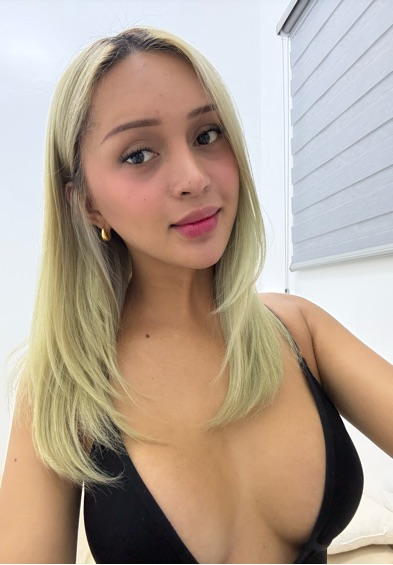 🇵🇭 Chalita
Open the website and choose a profile
Enter camgirlfinder.app in your phone browser. Tap Browse Girls to see profiles. Choose a photo to open the full profile; Message and Video Chat on a card contact that same person.
Start a video call
- 01Open the profile you want to contact and choose Video Chat when the option is available.
- 02Review any price or allowance shown in the call flow.
- 03If your browser asks, allow camera and microphone access. You can change these permissions in your browser or device settings later.
Use it again later
You can return to the website from your browser history or bookmark it. Some mobile browsers also offer “Add to Home Screen” in their menu; that creates a shortcut to the website, not a native app download.
Mobile questions
Do I need an app download?
No. This is a browser experience.
What if camera or microphone access is blocked?
Check your browser’s site permissions and your device’s camera and microphone settings, then reopen the call flow.
Can I start without an account?
Yes. You can begin without signing up, and your first visit includes free matches and messages. See the reward guide for the cost boundary.